

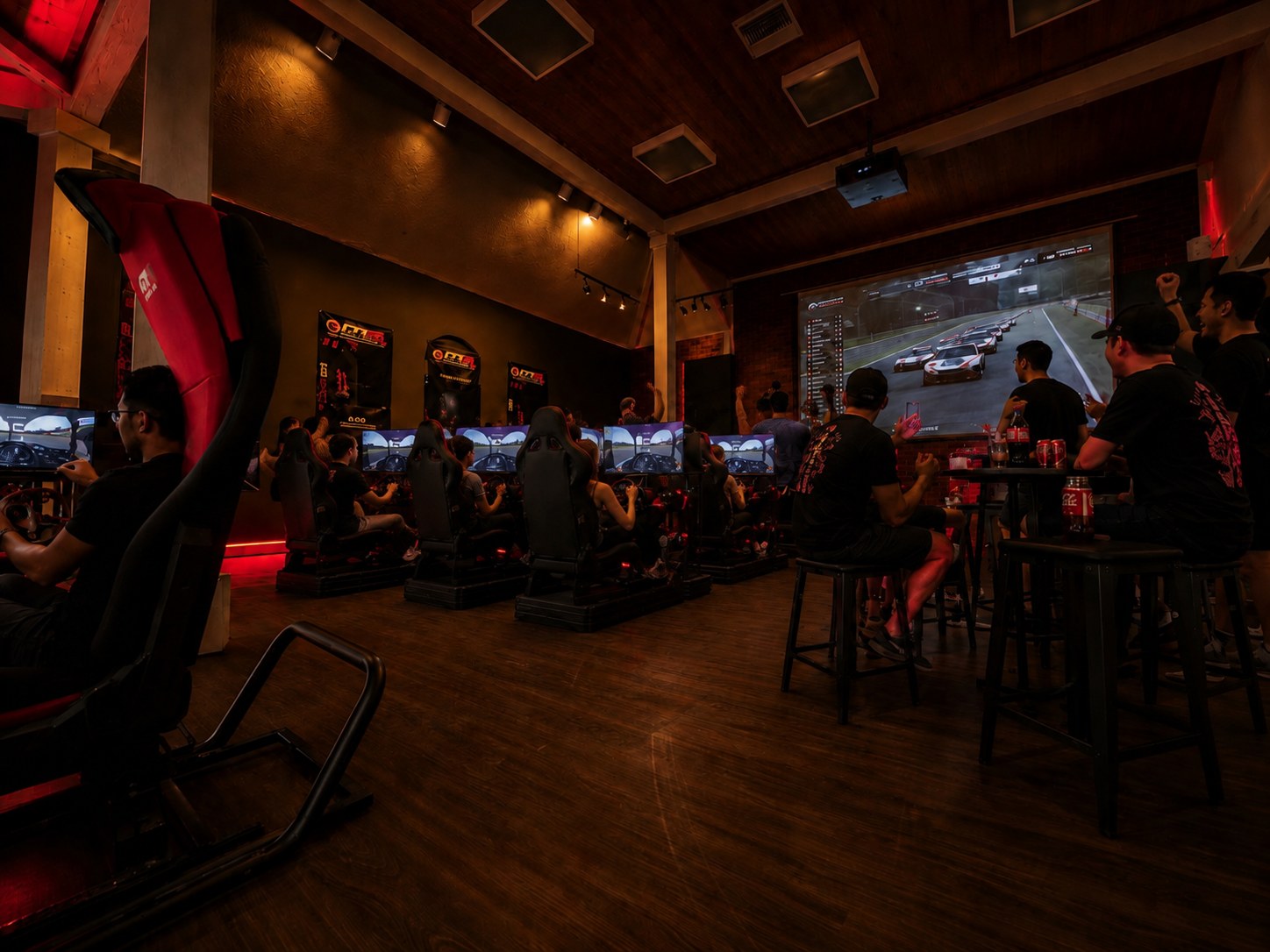
A shaky desk mount feels fine for about ten minutes. Then the stick flexes, the pedals creep, your seating position starts fighting your inputs, and the whole illusion breaks. A true flight simulator cockpit for home changes that immediately. It gives you a fixed flying position, repeatable control feel, and the kind of hardware stability that turns casual sessions into serious training, sharper gameplay, and far more convincing immersion.
For buyers who care about realism, the cockpit is not a cosmetic add-on. It is the foundation. You can upgrade displays, swap yokes for sticks, add throttle quadrants, or move into VR later, but the structure holding everything together determines how believable the experience feels every time you sit down.
What a flight simulator cockpit for home actually solves
The biggest improvement is consistency. In flight simulation, small inputs matter. If your seating angle changes, your rudder pedals slide, or your stick mount shifts under load, your muscle memory never settles. That leads to overcorrection, uneven landings, and a setup that feels more like troubleshooting than flying.
A proper cockpit solves those problems with rigid mounting, better ergonomics, and cleaner control placement. The result is not just greater comfort. It is better input precision over longer sessions. That matters whether you are practicing pattern work, flying combat missions, building content, or simply trying to make your home setup feel closer to a real aircraft environment.
There is also the issue of expansion. Many entry-level users start with one controller and a monitor, then quickly add pedals, a throttle, side panels, button boxes, a larger screen, or VR. A cockpit built for modularity gives you room to grow without rebuilding your entire setup every few months.
How to judge cockpit quality before you buy
A premium cockpit should feel engineered, not improvised. That starts with frame rigidity. Under heavy rudder input or aggressive stick movement, the chassis should stay planted. Flex is not a minor annoyance. It weakens precision and makes even high-end controls feel cheaper than they are.
Adjustability matters just as much. Different pilots prefer different seating positions depending on aircraft type and screen layout. You want a cockpit that allows practical adjustment in seat position, pedal distance, control mounting height, and monitor placement. If multiple people use the rig, quick adjustability becomes even more valuable.
Compatibility is another major buying signal. Many home users mix brands across yokes, HOTAS systems, pedals, monitors, and PCs. A cockpit that supports a wide range of hardware protects your investment and gives you more freedom to upgrade. Universal mounting options and accessory support are not bonus features. They are part of the long-term value.
Then there is footprint. Bigger is not always better. A cockpit has to fit your room, your display plan, and your actual use case. Some buyers need a permanent dedicated station. Others need a compact or foldable solution that can still deliver serious stability. The right answer depends on how often you fly and how much space you can truly dedicate.
Choosing the right flight simulator cockpit for home use
The smartest purchase starts with an honest read on how you fly. If your goal is weekend immersion with a yoke, pedals, and a single screen, you do not need the same rig as a user planning a full HOTAS setup with triple monitors, motion compatibility, and military-style panel layouts.
For civilian aviation, ergonomics and clean front-facing control alignment often take priority. You want room for yoke travel, comfortable pedal spacing, and a monitor position that supports instrument scanning without neck strain. For combat flight sim users, side-stick or center-stick options, throttle positioning, and aggressive mounting flexibility become more important.
This is where many buyers waste money. They buy for the fantasy version of their setup instead of the one they will actually use in the next twelve months. A better approach is to buy a cockpit that matches your current controls but leaves a clear upgrade path. If the frame can accept additional mounts, display options, and accessory expansions later, you get performance now without boxing yourself into a dead-end platform.
Ergonomics matter more than most buyers expect
A cockpit can look aggressive and still be wrong to fly in. The geometry has to work. Your arms should reach the controls without shoulder tension. Your legs should have enough bend to apply pedal pressure without locking up. Your seat height should support long sessions without forcing awkward wrist angles or a forward hunch.
That may sound secondary compared to materials or style, but it directly affects performance. Poor ergonomics create fatigue, and fatigue creates sloppy inputs. That is true in racing simulation and it carries over directly into flight. A cockpit that keeps your body aligned makes every other part of the system work better.
If you use VR, ergonomics become even more critical because you lose visual reference points in the room. Your controls need to be exactly where your body expects them to be. Repeatable positioning is one of the biggest reasons serious users move away from desk setups and into dedicated cockpits.
Displays, VR, and immersion
The cockpit is only one part of the realism equation, but it influences how well your display strategy works. With a fixed rig, monitor placement becomes more accurate and easier to optimize. You can align screens with your natural eye line, control viewing distance, and reduce the need to constantly readjust around makeshift hardware.
Single-monitor setups can still be excellent if the cockpit puts you in the correct position. Triple monitors increase peripheral vision and improve spatial awareness, especially during taxiing, formation work, and low-level flight. VR adds another level of presence, but it also benefits from a stable seat and fixed controls because your body relies more heavily on physical memory.
There is no universal winner between triples and VR. It depends on budget, room layout, and how you value clarity versus immersion. What matters is that the cockpit supports the path you want to take. A rigid, adjustable platform gives you more freedom to choose now and upgrade later.
Why premium construction pays off
A low-end cockpit often looks acceptable in product photos. The difference shows up under use. Inferior materials, weak mounting points, and limited adjustability lead to vibration, movement, and premature frustration. That becomes even more obvious as you add heavier controls, stronger pedal force, larger displays, or motion-related accessories.
Premium construction pays off in durability, confidence, and upgrade readiness. It also protects the value of the rest of your hardware. High-performance flight controls mounted on a weak frame can never deliver their full potential. The cockpit should elevate your gear, not bottleneck it.
For enthusiasts building a serious home simulator, this is where professional-grade design matters. A well-built system feels closer to purpose-built training equipment than gaming furniture. That difference is exactly what advanced buyers are chasing.
The best home cockpit is the one you can grow into
The strongest buying decision is rarely the cheapest one up front. It is the one that stays relevant as your setup evolves. If you are planning to add better pedals, a new seat, extra mounts, larger displays, or certified training-focused hardware later, your cockpit should be ready for that progression.
That is why modular design has become such a strong signal in the premium simulator market. Builders want a stable platform now, but they also want options. They want to move from casual flying to serious immersion without starting over. They want a chassis that can support training goals, entertainment, and content creation from the same base.
Brands focused on simulation performance understand this shift. GTR Simulator, for example, builds around realism, compatibility, adjustability, and long-term hardware value because enthusiasts do not buy a cockpit just for this month. They buy for the next phase of the build.
What to prioritize before checkout
Before you buy, think in terms of use, not just features. Ask whether the frame is rigid enough for your control style, adjustable enough for your body, and flexible enough for your next upgrade. Make sure your display plan and room size match the cockpit footprint. If portability matters, do not compromise that point now and regret it later.
Also consider how often you fly. If this will be a regular part of your week, comfort and stability deserve real weight in the decision. If you are building toward a premium simulator experience, buying stronger once is usually smarter than replacing weaker hardware twice.
A flight simulator cockpit for home should make every session feel more precise, more immersive, and more believable from the moment you sit down. Choose the platform that makes your controls feel planted, your body feel supported, and your upgrade path feel wide open. That is how a home setup starts feeling less like a game station and more like a real cockpit.
Share:
Best VR Headset for Racing Simulator Use
FAA Certified Flight Simulator Package Guide